ChartFlow Team
Find out how to incorporate ChartFlow in any kind of simulation—even if students are located in different locations.
One study published in Clinical Simulation in Nursing, showed that after an interprofessional simulation with both medical and nursing students, “all students reported positive attitudes toward communication skills.”
With healthcare careers becoming more stressful than ever, being able to communicate as part of a team is increasingly important. Knowing you have the support of other providers, rather than acting as a solo player, can make all the difference to a new healthcare graduate.
That’s why we’re big proponents of Interprofessional Simulation across all levels of education. Let’s get students comfortable with communication from day one!
How do I set up IPE simulations if our medical, NP or PA programs are on different campuses than our nursing programs?
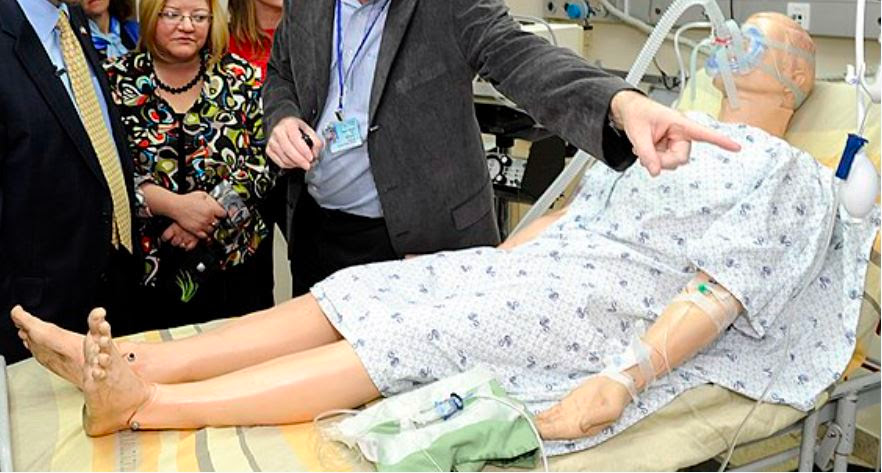
In the real world, RNs and M.D.s aren’t always in the same room. In fact, a physician may be entering orders remotely for nurses on shift, or a PT may have follow up questions for a Primary Care Provider who works from a different office.
Understanding how to communicate through written notes and phone calls is just as important as being able to discuss a patient’s care face-to-face.
Using ChartFlow as the charting and communication tool behind your simulation is a perfect way to create this scenario in a lab environment.
How do I set up this ultra realistic scenario?
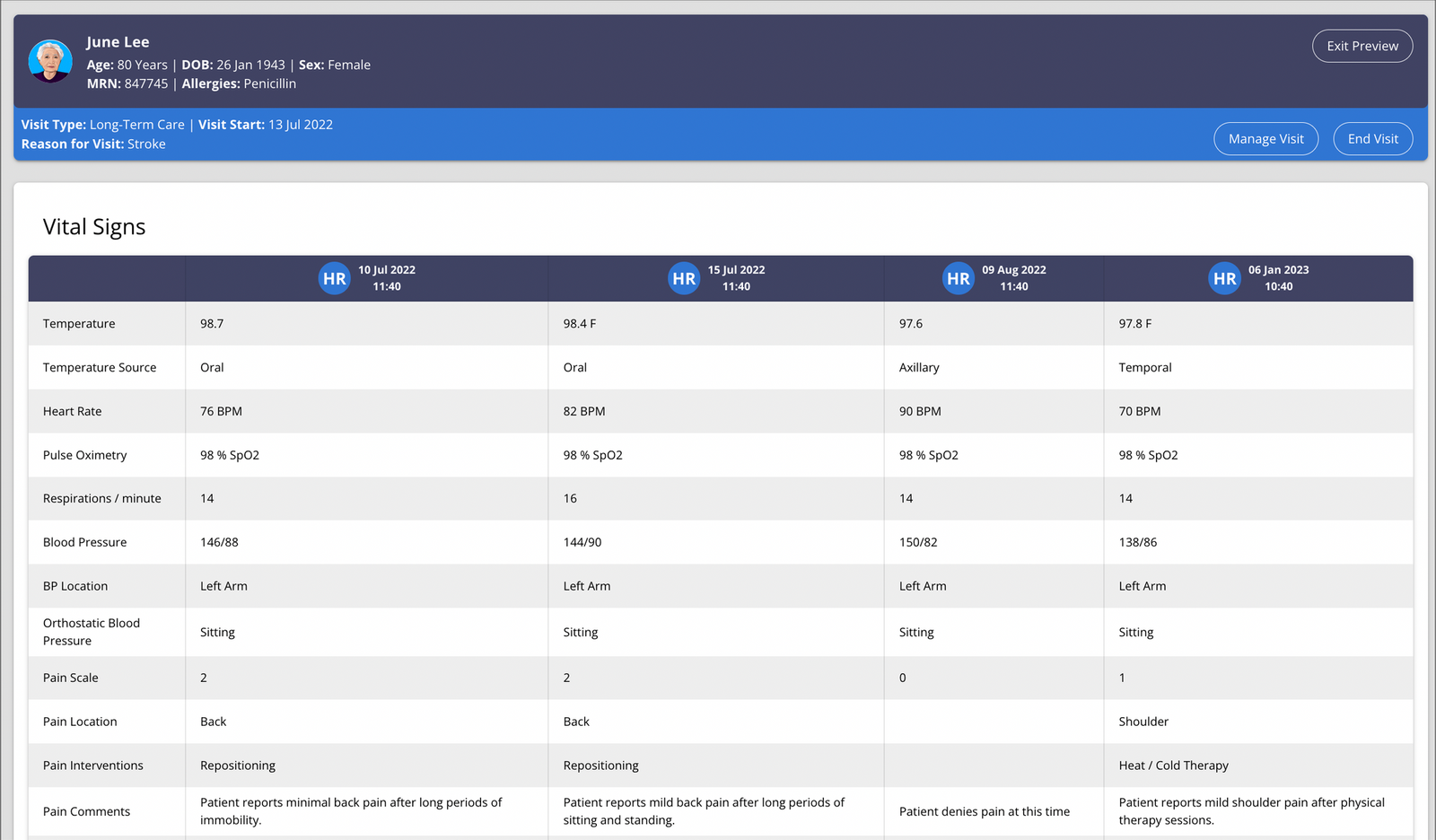
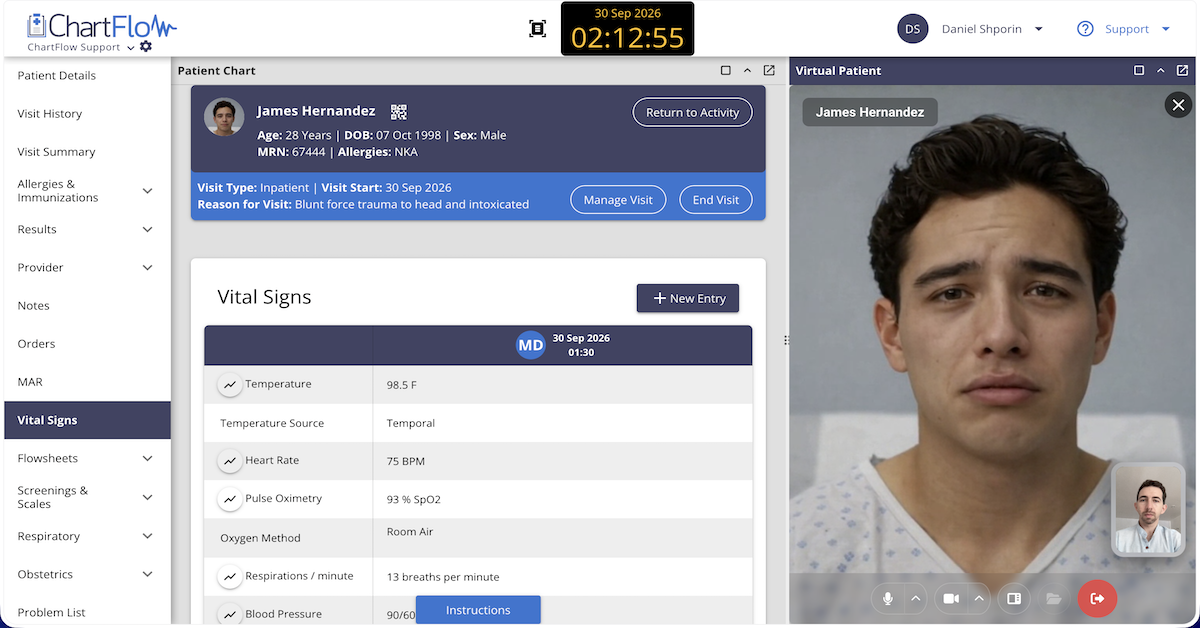
Plan for both medical students and nursing students to be in their respective labs on the same day. Have medical students start their simulation at a specific time (ex: 12:00 pm). They will enter the lab, diagnose and treat a simulated patient who just arrived in the ER. The MD student should complete all charting including physician’s notes, orders, and patient history in ChartFlow. Afterwards, they can enter a debrief with their instructor as usual.
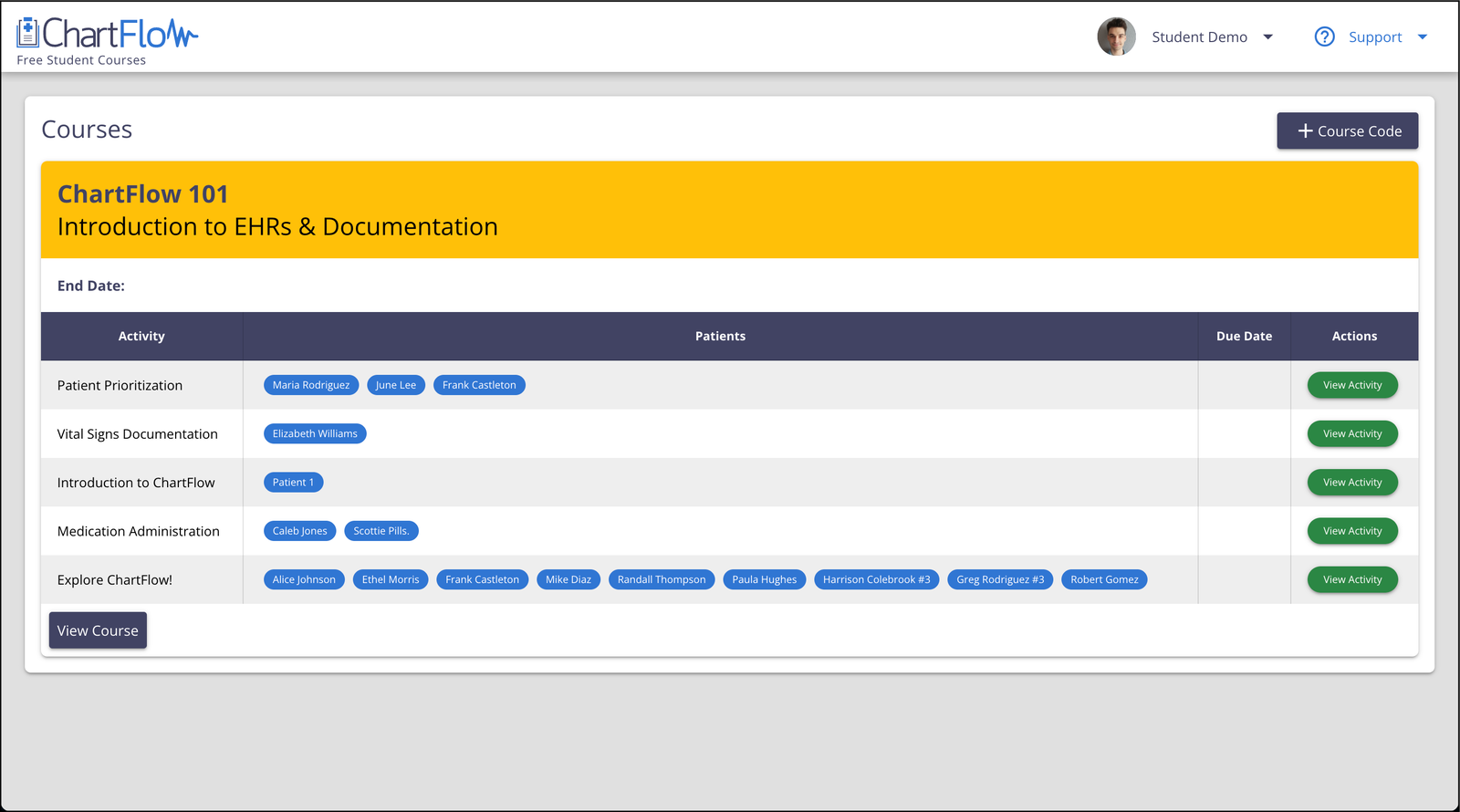
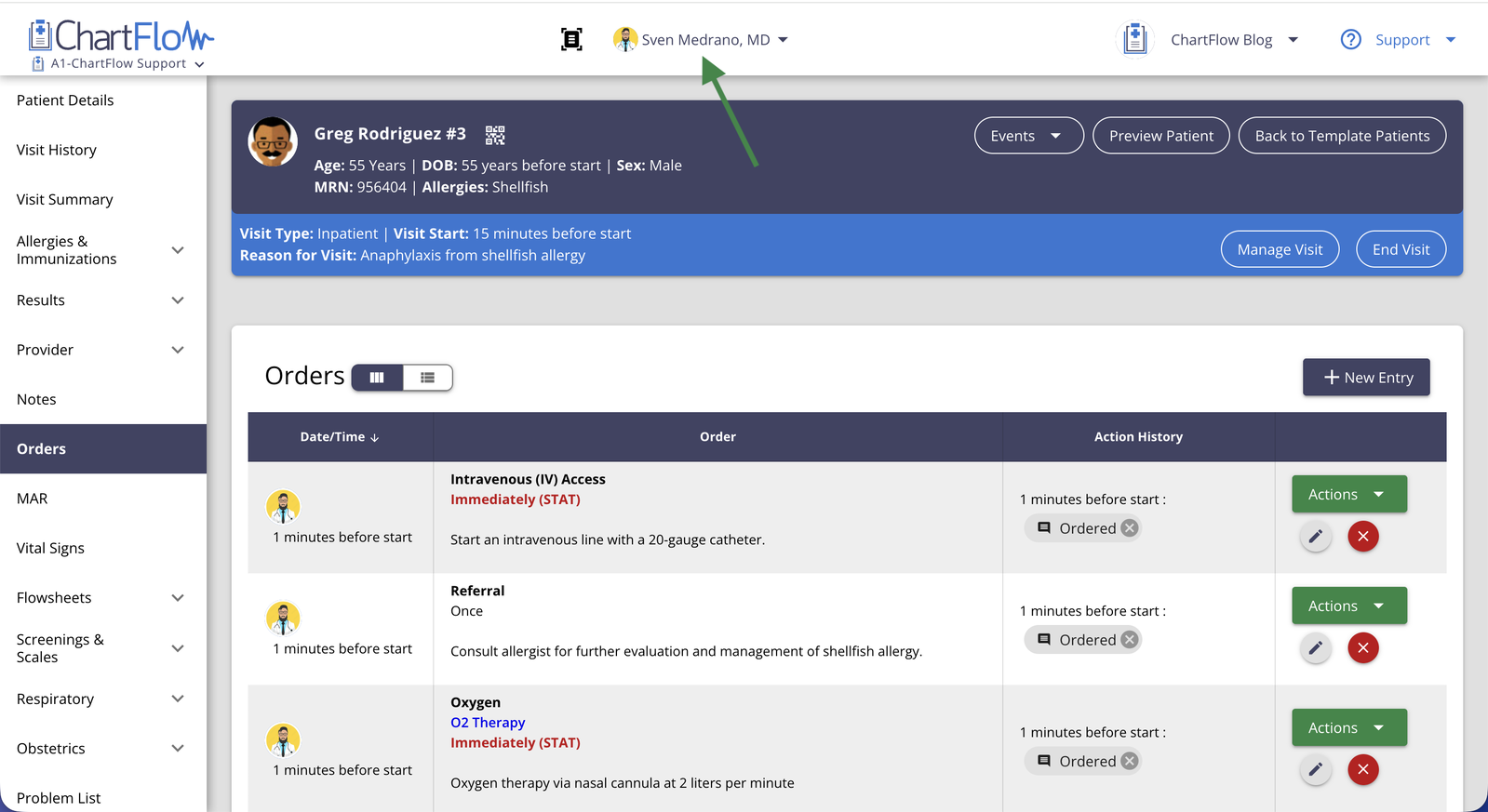
The nursing students will then start their own lab 30 minutes later (12:30). At this point, they’ll be able to see all the charting completed by the physician including orders. Using ChartFlow, you'll be able to set up as many patients as you need and assign which students can see them. Learn more about creating Group or Shared Activities in our Help Center.
As students work through creating a care plan, doing interventions, and completing orders, they will be able to review any of the previously completed information. If they have questions, they should have access to a number for the medical school’s simulation lab.
While med students are debriefing they may get a call from the nursing students who have questions. Great charting can prevent a call, but if nursing students have to reach out for clarification, it’s an excellent way to enhance the debrief by offering teaching points related to clear and accurate communication.
What if I also have Physical or Respiratory Therapy students?

Great! Do the same thing with these students. If you are doing an MD/PT lab, use the same process as above but swap out the Nursing students with the PT students.
If you’re planning to use more than two disciplines, you can either stagger additional professions across a longer time period (for example, two hours), or have each medical, NP, and PA student download practice “on-call” skills.
Using a free app like Pagem which is accessible on all mobile devices and browsers, students can be paged by other sim labs for clarification of charting or patient care.
That way, even if simulations have to happen on separate days, the higher level student can remain “on call”.
In follow-up debriefs the higher level students should be engaged in a discussion about being on call and how it might impact their lifestyle when they’re in the real world managing patients.
Need help setting up your Courses? Get in touch with our team today.
-The ChartFlow Team
More posts like this