ChartFlow Team
Two free platforms, two ready-to-use lab activities, and a step-by-step guide to getting your CTE or HOSA students charting in a real EHR this semester.
The Problem: Students Graduate Without Touching a Chart
Documentation is not a nursing skill or a physician skill. It is a healthcare skill, one that touches every role, every shift, every patient encounter. Nurses chart. Medical assistants chart. Pharmacy techs chart. Even front-desk staff log encounters in the EHR. And yet most students entering clinical rotations have never charted anything.
This isn't a failure of instructors. It's a resource problem.
Commercial EHR platforms built for training (the ones with realistic patient scenarios, flowsheets, and medication administration records) carry price tags that most CTE and HOSA programs simply can't absorb. A few hundred dollars per seat, per year, adds up fast when you're running a class of 30.
So students arrive at clinicals and learn the EHR on the job, under pressure, while someone is watching. That's not a great way to build confidence in a safety-critical skill.
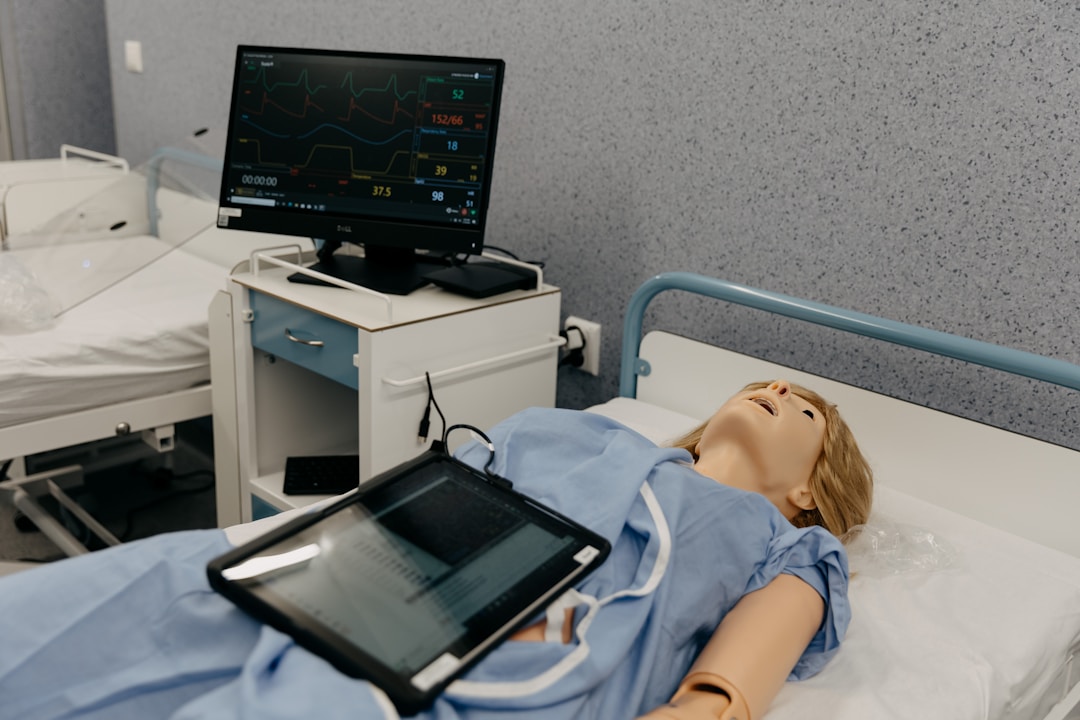
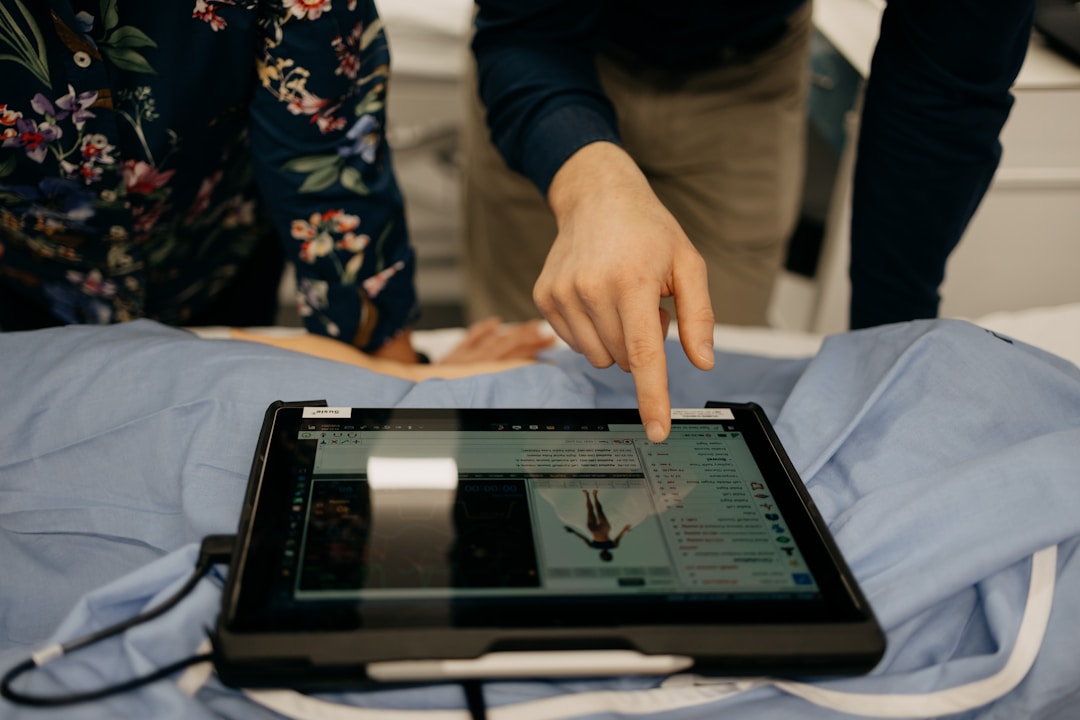
An educational EHR is a simulated electronic health record built for the classroom. It looks and functions like the real thing: patient charts, vital sign flowsheets, medication administration records, orders. But it runs in a training environment with no real patient data. Students practice charting without consequences, build familiarity with EHR workflows, and show up to clinicals knowing what they're looking at.
The good news: you no longer need a budget to use one.
Two Free Options Worth Knowing About
Two platforms are genuinely free to use with students right now. Not free trials. Not "free" with a credit card on file. Free.
They take different approaches, and each has a clear use case. Here's a quick side-by-side so you can orient:
Marsupial EMR
- Cost: completely free, open source
- Setup: download and install on Windows, IT involvement likely
- Devices: Windows only
- Content: you build it (flexible, but takes time)
- Grading/tracking: manual observation
- Best fit: Windows computer labs, instructors who want full control over scenarios
ChartFlow (HOSA/CTE Course)
- Cost: free course, no catch
- Setup: browser-based, students enroll in minutes
- Devices: any device with a browser (Chromebook, tablet, phone)
- Content: ready-made lesson plans and activities included
- Grading/tracking: student-facing practice only on free tier (instructor dashboard is a paid feature)
- Best fit: turnkey setup, minimal IT involvement, mobile/Chromebook environments
The core tradeoff: convenience versus control. Marsupial gives you a blank canvas and total ownership. ChartFlow gives you a working course on day one.
Both are legitimate. Both are worth knowing. Many programs use them together.
Marsupial EMR: The Open Sandbox
Marsupial EMR is a free, open-source educational EHR developed for exactly this use case: giving health science programs a functional charting environment without a licensing fee.
Marsupial EMR was developed by James Blackwell, MSN, RN, CCRN, CHSE at Kent State University, one of several programs using it to teach EHR documentation.
The Marsupial suite includes four components:
- EMR: The student-facing charting interface
- Editor: Where instructors build patient scenarios and clinical content
- Instructor: Optional network control of the EMR during live simulations
- Pharmacy: An optional medication dispensing module integrated with the EMR
You download Marsupial from GitHub, install it on Windows machines, and then build out your scenarios using the Editor. Students log in, open a patient chart, and work through whatever documentation tasks you've set up.
The open-ended design is its biggest strength. You can build scenarios around your existing curriculum, the same patient cases your students are already discussing in class. You control the orders, the flowsheets, the medications, the clinical context. Nothing is locked down.
The tradeoff is setup time. You are the content creator. If you want a med administration scenario, you build it. If you want a vital signs flowsheet, you configure it. For instructors with the time and inclination to build, Marsupial is excellent. For programs that need something running next week, the content creation overhead is real.
It's also Windows-only, which rules it out for schools running Chromebook or iPad labs. And installing any software on school machines typically means going through IT, which adds lead time.
Use cases where Marsupial works well:
- Introductory charting practice in a Windows computer lab
- Documentation skills reinforcement for medical assistant or nursing assistant programs
- Medication administration practice (with or without a physical pharmacy simulation)
- Custom scenario builds aligned to your course objectives
If you have a Windows lab and the patience to build out your content, Marsupial is worth serious consideration.
ChartFlow: The Ready-to-Run Option
ChartFlow is a web-based EHR simulation platform used by programs at GWU, Gonzaga, Clemson, Yale, Mizzou, Cal State LA, IDEA Public Schools, Kipp Texas, and others. Most of those are paid institutional accounts. But there's a free HOSA/CTE course that any program can access, no strings attached.
The HOSA/CTE course was built specifically for secondary and early post-secondary health science programs. It includes two complete lab activities with lesson plans, step-by-step procedures, and debrief discussion guides. Students can practice as many times as they want, with no attempt limits.
Activity 1: Vital Signs Lab
Students work in pairs. One plays the patient, one plays the clinician. The patient is Edna Jones, with a daily vital signs order in the chart.
Students take a real BP, HR, RR, and temperature on each other, then chart the results in a flowsheet inside ChartFlow. The lesson plan walks through a hand hygiene activity before the clinical skills portion, connects the documentation step to the clinical workflow, and includes discussion prompts for debrief.
The activity runs 45 to 60 minutes in most classroom settings.
Activity 2: Oral Tablet Administration
The patient is Frank Washington, with an order for ibuprofen 800mg every 6 hours. Students work through a full medication pass using the 6 Rights, then document in the MAR.
The activity supports optional add-ons: barcode scanning, Wallcur Practi-Med simulated medications, and two-point patient ID verification. You can run it with whatever supplies your program has available. Documentation happens in the ChartFlow MAR at the end of the pass.
Both activities come with complete lesson plans: learning objectives, materials lists, step-by-step procedures, and structured debrief/discussion questions. You don't have to build anything from scratch.
The honest limitation: the free tier is student-facing. Students get the course and can practice without limits, but the instructor dashboard (grading, progress tracking, custom content) is part of ChartFlow's paid plans. If you need to pull completion data or build your own scenarios, that's a paid feature. The free course is a working starting point, not the full platform.
What you get for free: two complete lab activities, downloadable lesson plans, unlimited student practice, and a browser-based interface that works on any device.
Getting Started
Marsupial EMR:
- Go to github.com/marsupialproject/marsupial-emr
- Download and install on Windows machines (coordinate with IT as needed)
- Launch the Editor and build your first patient scenario
- Have students log into the EMR and start charting
ChartFlow:
- Visit chartflow.io/catalog
- Find the HOSA/CTE course (or go directly to it)
- Enroll. It's free, no payment info required
- Download the lesson plans from the course materials
- Share the enrollment link with students and start
ChartFlow requires no installation. Students open a browser, enroll, and they're in the EHR. Setup takes about 10 minutes.
Which One Should You Pick?
Choose ChartFlow if:
- You need something working quickly with minimal setup
- Your students use Chromebooks, tablets, or mixed devices
- You want ready-made lesson plans and clinical activities
- Your IT department is hard to move fast
- You're piloting EHR instruction for the first time
Choose Marsupial if:
- You have a Windows computer lab
- You want to build custom scenarios around your specific curriculum
- You have time to invest in setup and content creation
- You want a fully free, open-source solution with no platform dependency
- Full instructor control over every variable matters to you
Use both: Several programs start with ChartFlow to get students charting quickly, then bring in Marsupial for custom scenarios later. They solve different problems, and there's no reason to choose permanently.
More Free Resources
If you're building out a health science program on a limited budget, a few other free resources are worth bookmarking:
ChartFlow 101, EMT/BLS, and Medication Aide courses are available in the ChartFlow catalog. Each is free, each comes with structured activities.
ChartFlow Publishing (publishing.chartflow.io) offers free textbooks and reference materials for health science education.
MedGames (medgames.io) provides free clinical simulation games for pharmacology, anatomy, and health science concepts.
And if you weren't at HOSA ILC 2026 in Indianapolis, you can still access everything from the presentation:
📥 Download the HOSA ILC 2026 Presentation (PDF)
Frequently Asked Questions
What is a free educational EHR?
A free educational EHR is a simulated electronic health record designed for classroom use, available at no cost to students or programs. These platforms mirror the layout and workflows of clinical EHR systems (patient charts, vital sign flowsheets, medication administration records) but run on practice data with no real patient information. Two options currently available are Marsupial EMR, a free open-source Windows application, and ChartFlow, which offers a free browser-based course for HOSA and CTE programs.
Can I use ChartFlow for free in my HOSA or CTE program?
Yes. ChartFlow offers a free HOSA/CTE course that includes two complete lab activities (Vital Signs and Oral Tablet Administration), downloadable instructor lesson plans, and unlimited student practice. Students enroll through chartflow.io/catalog on any device with a browser. No payment information is required. The free tier is student-facing only; instructor grading and custom content creation are paid features.
What is the difference between Marsupial EMR and ChartFlow?
Marsupial EMR is a free, open-source application that runs on Windows. Instructors download and install it, then build their own patient scenarios and content from scratch. ChartFlow is a web-based platform that works on any device and includes a ready-made HOSA/CTE course with pre-built activities and lesson plans. Marsupial offers more customization and full instructor control. ChartFlow offers faster setup and mobile access. Many programs use both.
Do students need to install anything to use ChartFlow?
No. ChartFlow is entirely browser-based. Students visit chartflow.io/catalog, enroll in the free HOSA/CTE course, and access the EHR directly from any device with a web browser, including Chromebooks, tablets, and phones. No downloads, no IT support, and no special hardware required. Setup typically takes about 10 minutes.
The HOSA/CTE course is free and ready now. Visit chartflow.io/catalog, enroll, and your students can be charting by your next class.
More posts like this






















/w=1920,quality=90,fit=scale-down)

/w=1920,quality=90,fit=scale-down)





































/w=1920,quality=90,fit=scale-down)
_(1)/w=1920,quality=90,fit=scale-down)
















_(2)/w=1920,quality=90,fit=scale-down)