ChartFlow Team
Most EHR simulation tools were built for hospital nursing programs. If you run a medical assisting or CTE health science program, you've been working around that fact for years, borrowing tools that don't quite fit or skipping hands-on EHR training altogether.
That's a problem worth naming. Medical assisting is one of the fastest-growing occupations in healthcare. The Bureau of Labor Statistics projects 12 percent growth between 2024 and 2034, more than three times the average for all occupations. The median annual wage is $44,200. And every one of those jobs requires EHR proficiency on day one.
The gap between what accreditation standards require, what employers expect, and what programs are actually teaching isn't subtle. Programs have been working around it with makeshift solutions, mismatched tools, or nothing at all. Here's where things actually stand.
What Is EHR Simulation for Medical Assisting?
EHR simulation for medical assisting is a purpose-built training platform that replicates the outpatient electronic health record workflows MAs perform on the job, including patient registration, clinical documentation, appointment scheduling, and billing and coding. Unlike nursing-focused EHR platforms designed around hospital care, MA-specific simulation tools emphasize the administrative and outpatient clinical tasks central to the medical assistant's role in physician offices, urgent care centers, and specialty clinics.
The distinction matters because the medical assistant's scope is genuinely dual. MAs handle both clinical tasks (taking vitals, documenting procedures, preparing patients for exams) and administrative responsibilities (scheduling, insurance, coding, referrals). CAAHEP, the largest programmatic accreditor of health science programs in the U.S., lists "preparing and maintaining electronic medical records" as a core MA duty.
Most EHR simulation platforms on the market don't cover the administrative side of that picture. Some don't cover it at all.
The MA Scope Problem
Medical assisting is fundamentally outpatient and dual-scope. That shapes everything about which EHR skills your students need.
Nursing students learn to chart in hospital systems: inpatient documentation, nursing diagnoses, medication administration records, care plans. Medical assistants work in physician offices, urgent care centers, and specialty clinics. Their EHR workflow looks different from the first screen.
Think about what your graduates will do on day one: check patients in, document vitals, handle appointment scheduling, process referrals, verify insurance, submit billing codes. The administrative side of an MA's work is as critical as the clinical side. ABHES makes this explicit, requiring students to "schedule routine appointments and patient admissions and/or procedures both manually and within the electronic health record."
That dual scope is what makes tool selection matter. An EHR simulation that only covers clinical documentation is teaching half the job. Your students need practice with the full outpatient workflow, from front desk to exam room to billing, because that's what their employers will expect them to handle.
Purpose-built MA simulation tools exist for this reason. But not every program has adopted one yet, and CTE programs in particular face budget and access barriers that leave students practicing on paper or not practicing at all.
What CAAHEP, ABHES, and MAERB Actually Require
If your program is accredited by CAAHEP or ABHES, EHR simulation isn't optional. It's built into the standards your program agreed to meet.
CAAHEP and MAERB: The 2022 Standards (effective April 4, 2022) require achievement of the MAERB Core Curriculum competencies. Those competencies are organized into Cognitive (C), Psychomotor (P), and Affective (A) types. Psychomotor competencies must be demonstrably performed, not just taught. Administrative procedures, including EHR documentation, fall under psychomotor requirements.
You cannot satisfy a "P" competency with a lecture. Students must actually do it, in an EHR environment or an EHR simulation.
ABHES: The 19th Edition Accreditation Manual (effective January 1, 2023) is direct. Chapter VII requires that students be able to "execute data management using electronic healthcare records such as the EMR" and "schedule routine appointments and patient admissions and/or procedures both manually and within the electronic health record."
Both statements are active. They require practice in an EHR system, not just familiarity with how one works.
A curriculum that introduces EHR concepts without giving students a system to practice in isn't meeting the standard. It's meeting a softer version of it.
The American Association of Medical Assistants (AAMA), which administers the CMA exam, includes EHR-related competencies in the exam's administrative domain. The credential your students are working toward assumes hands-on EHR experience. If they haven't practiced in a simulation, that shows in their results.
HOSA: The Medical Assisting competitive event has used a simulated EHR since at least 2017. The event guidelines describe competitors working with "a simulated Electronic Health Record," transferring handwritten patient information into the system. Students who have practiced in an EHR simulation show up to that event ready. Students who haven't are working from theory alone.
The accreditation case for EHR simulation is settled. The open question is which tools your program is using to meet it.
The CTE Gap: High Standards, Limited Tools
Health Science is the top Career Cluster in U.S. CTE at both the secondary and postsecondary levels. According to ACTE, 8.3 million high school students participated in CTE programs in 2020-21, and health science was the most common concentration. That's the scope of the market.
CTE health science programs are expected to produce job-ready students. The credential pathway often leads to the NHA Certified Clinical Medical Assistant (CCMA) exam, which includes EHR documentation as a testable domain. EHR competency isn't optional — it's on the test.
The National Health Science Standards, developed by NCHSE and used as the baseline curriculum framework in virtually every state, are clear on this. Standard 11 (Information Technology in Healthcare) requires students to "identify components of an electronic health record (EHR)" and produce "electronic documentation that reflects timeliness, completeness and accuracy." The most recent update is from 2022.
HOSA's Health Informatics event, introduced in 2020-21, tests "EHR data entry, retrieval & analysis" directly. Students who prepare only from classroom notes enter that event at a disadvantage.
Perkins V, the federal framework that funds CTE to the tune of $1.4 billion annually, ties that funding to credential and workforce readiness outcomes. When a credential like the CCMA has an EHR domain and students have never practiced in a simulation, that's not just a teaching problem. It has implications for how your program meets federal performance benchmarks.
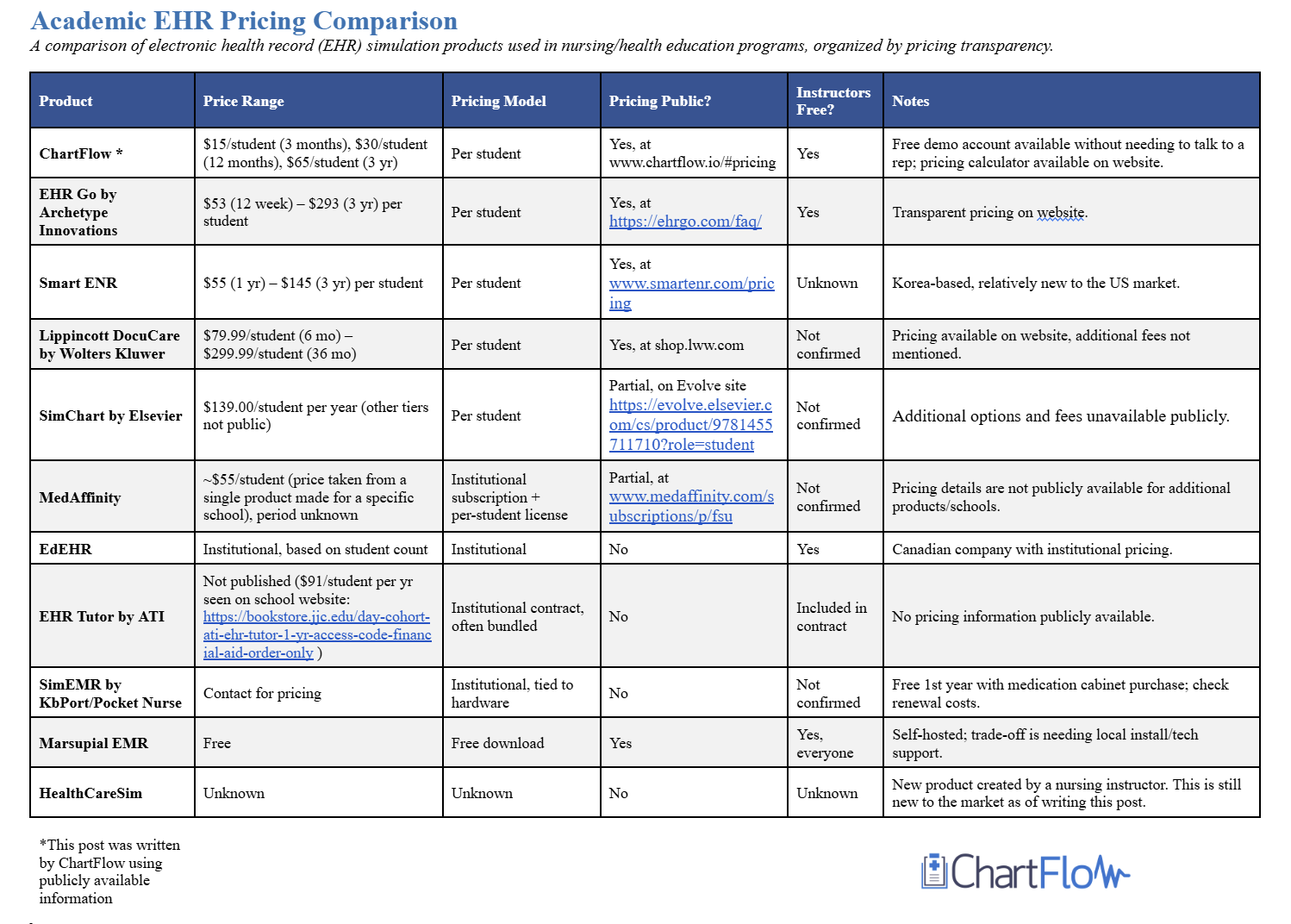
Here's the harder part: most available tools weren't built with secondary CTE budgets in mind. A platform that costs anywhere from $53 per quarter to $113 per academic year per student is a real budget decision for a program with 60 students and limited discretionary spending. That reality doesn't excuse skipping EHR training. But it does explain why so many CTE programs are still working without a dedicated tool.
The standards require EHR competency. Until recently, the tools that existed were largely built for someone else.
What Programs Are Actually Using
Three platforms are purpose-built or purpose-adapted for MA and CTE programs. Here's an honest look at each.
SimChart for the Medical Office (Elsevier) is the most explicitly MA-focused product in this space. It was designed from the ground up for medical assisting, not adapted from a nursing platform. Elsevier's product page describes "100 interactive tasks linked to 220 ABHES and CAAHEP competencies to ensure accreditation readiness," covering both clinical workflows (vital signs, documentation) and administrative duties (scheduling, billing, coding). Elsevier also notes students get "more than 50 hours of practice tasks." SimChart comes bundled with Elsevier's Learning the Medical Office Workflow textbook; pricing goes through institutional and bookstore channels rather than a public rate card. If your program has textbook adoption flexibility and needs deep, accreditation-mapped content from day one, this is worth a serious evaluation.
EHR Go is a multi-discipline platform with a dedicated Medical Office track. Their site describes coverage for "medical office, assisting, and receptionist, billing/coding, and insurance students," with activities covering patient scheduling, check-in, rooming, insurance and billing, ICD-10 coding, and front-of-desk workflows. The platform has 700+ patient cases across all disciplines and over 289,000 student users. Pricing is student-direct and transparent: $53 for a quarter (12 weeks), $73 for a semester (16 weeks), or $113 for a full academic year. Instructor access is free. The student-direct pricing model works well for programs that don't want to tie platform access to a textbook purchase.
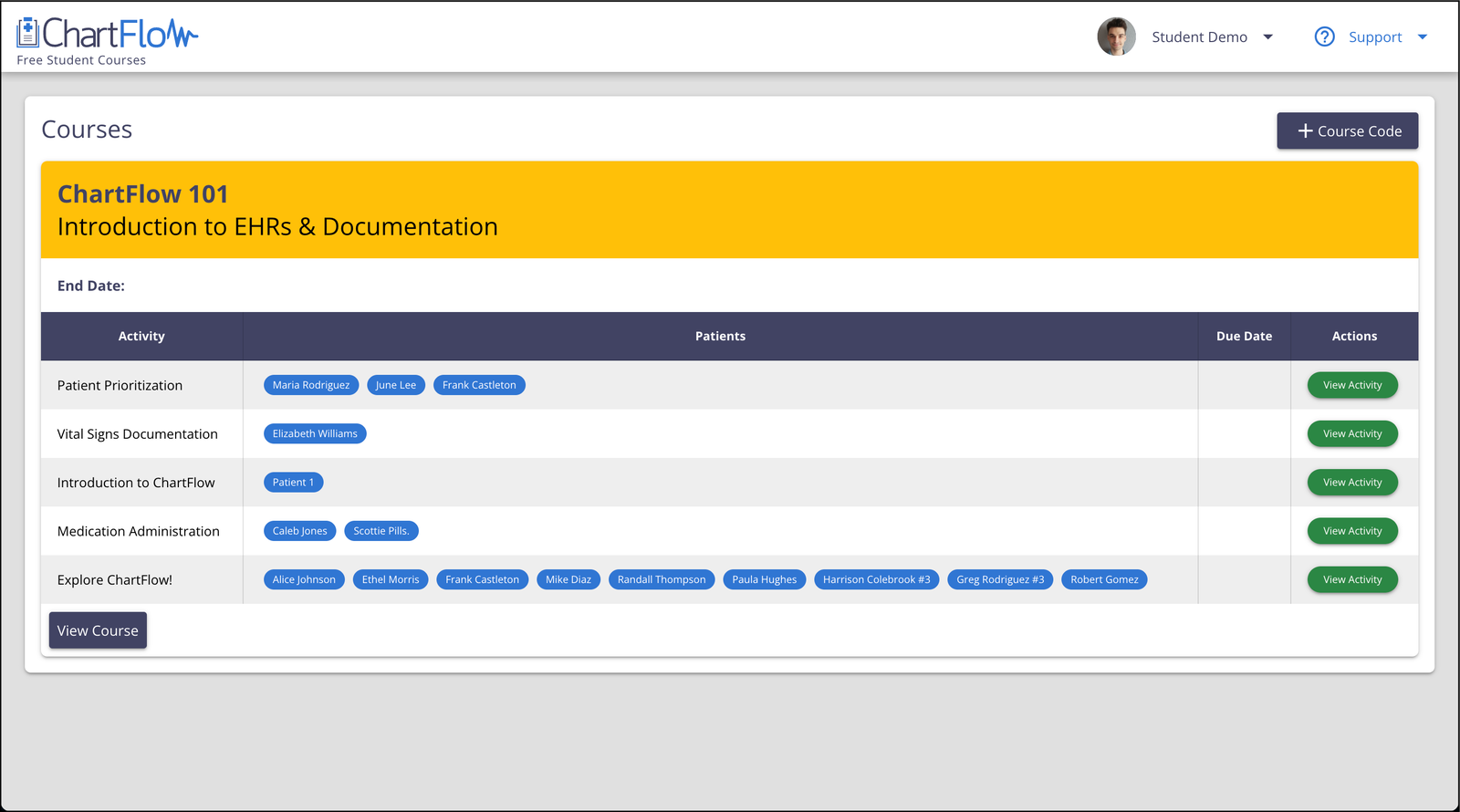
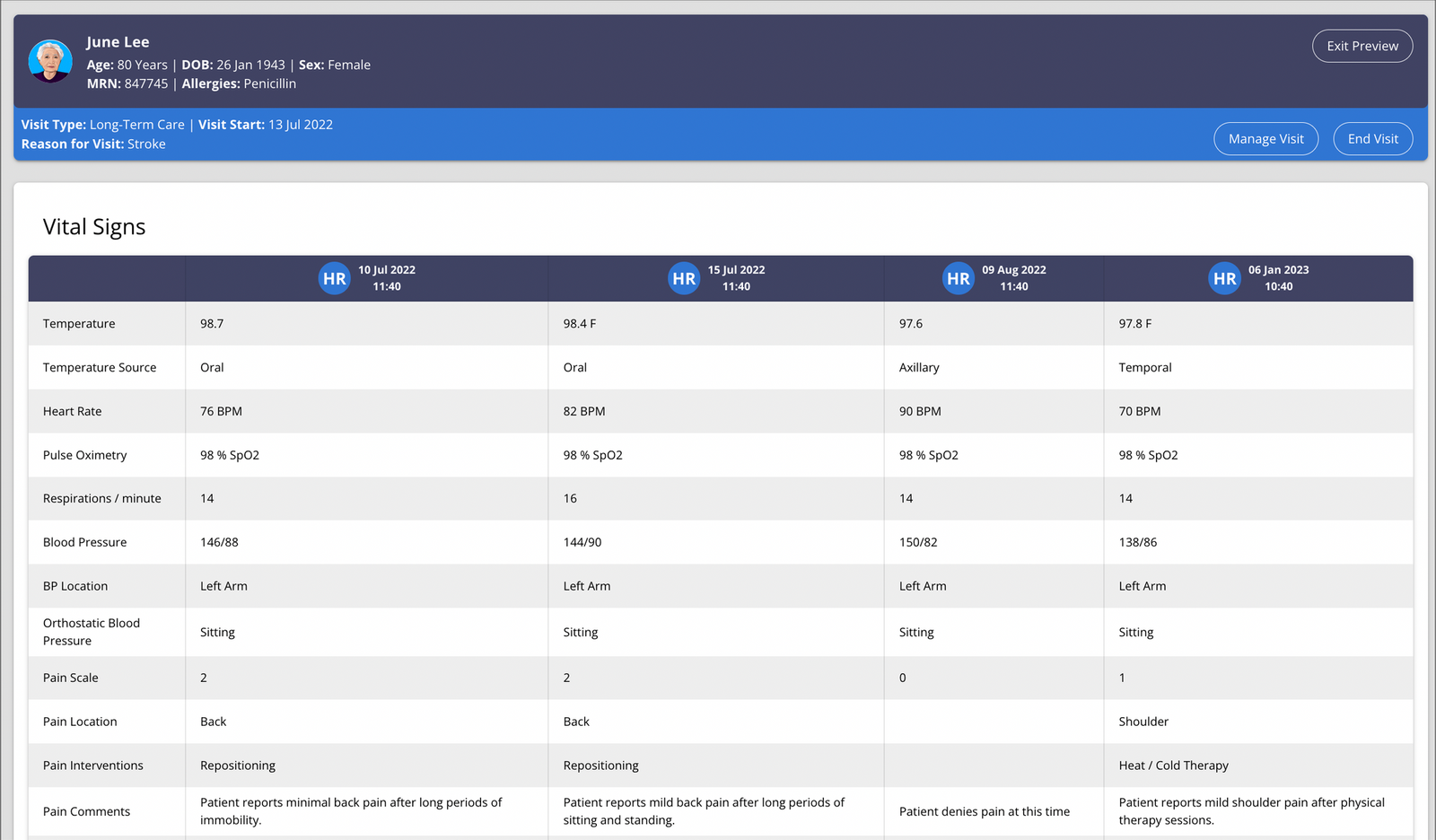
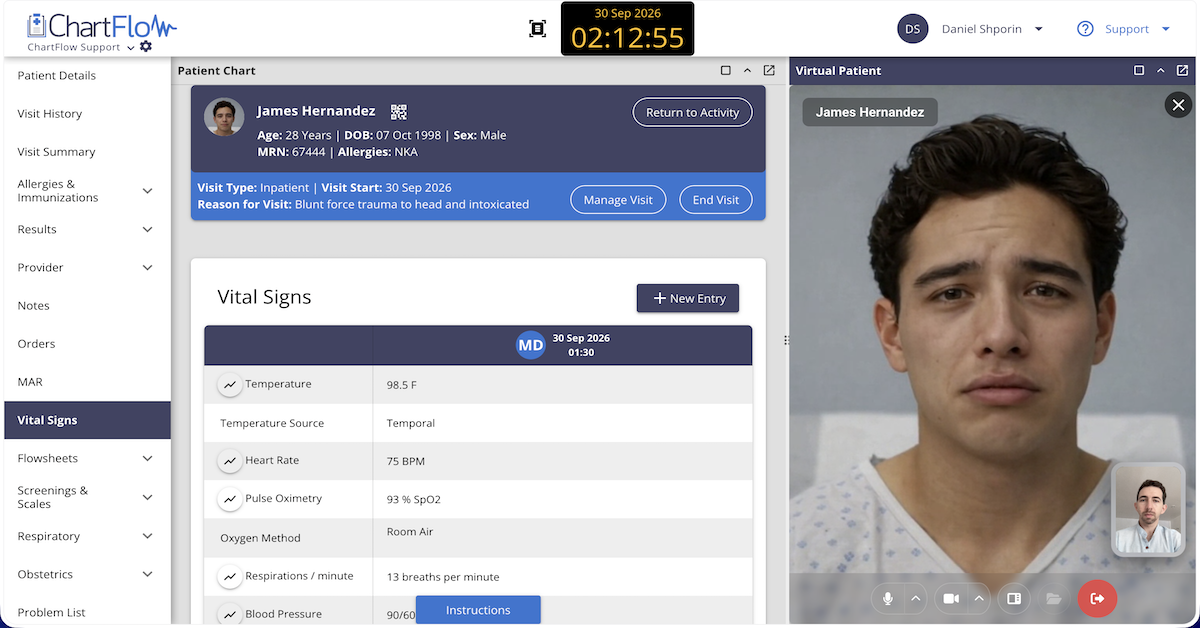
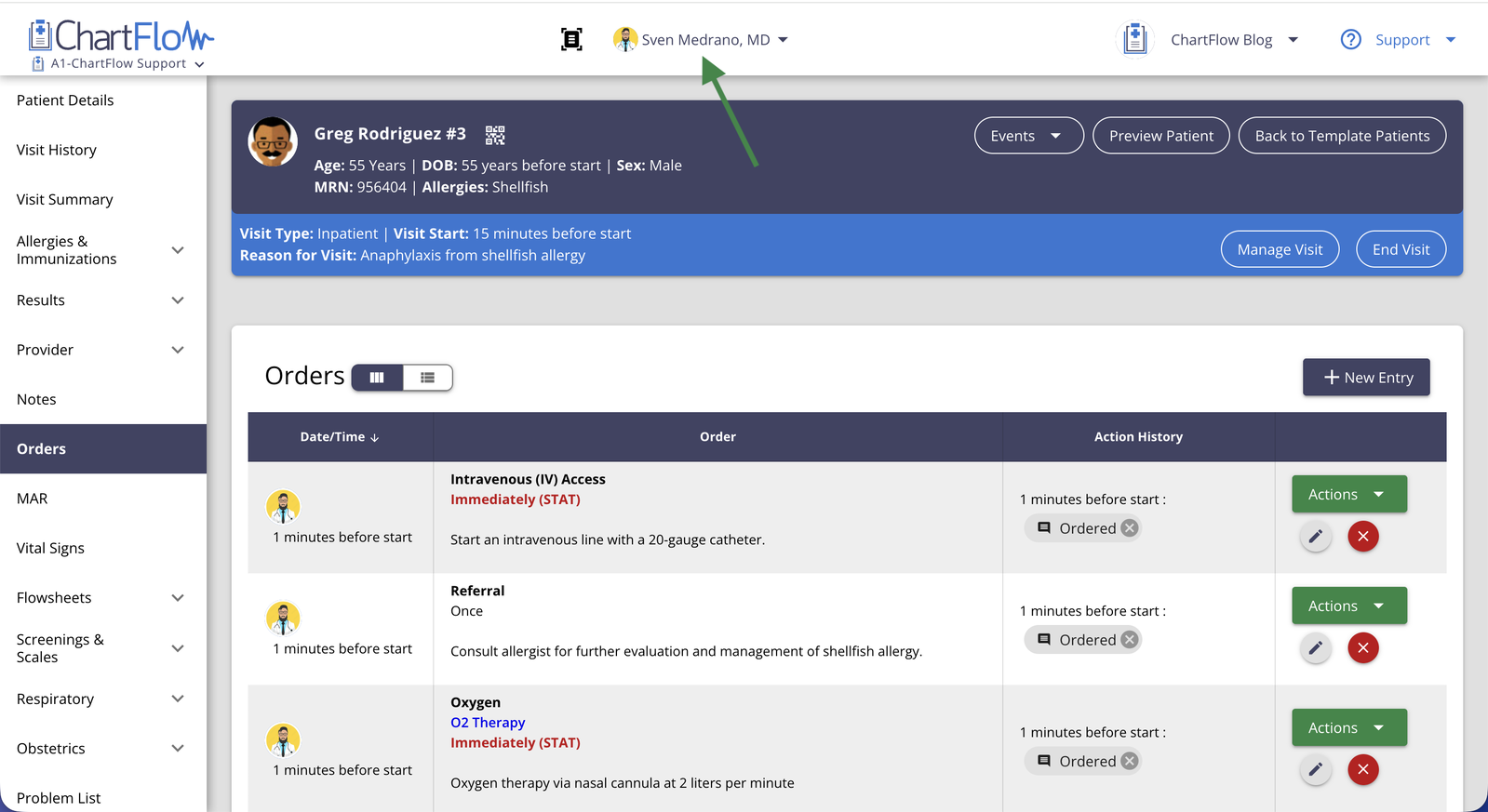
ChartFlow enters at $30 per student per year, with instructor accounts always free. It's fully web-based, with LTI integration for any LMS. In May 2024, ChartFlow added appointment scheduling and billing/coding within the patient health record workflow: the features that specifically close the gap for MA and CTE programs. The platform has 80+ patient cases and is planning to expand their Medical Office & Calendar Management functionality.
It's worth being straightforward: ChartFlow's MA-specific content is newer than SimChart's or EHR Go's. The core platform is solid. The MA workflow additions are Phase 1. At $30 per student per year, it's the most affordable option in this category by a significant margin.
The right tool depends on your accreditation requirements, your budget, and how much pre-built curriculum structure you need from day one. There's no single answer that fits every program.
What to Look for When You're Evaluating Options
Before committing to any platform, work through these questions. This isn't a checklist to send to a vendor. It's a set of questions to answer for yourself, based on your program's specific situation.
- Does it cover the workflows your students actually need? For MA programs: scheduling, billing/coding, outpatient documentation, insurance. For CTE: at minimum, alignment with NCHSE Standard 11.
- Does it map to your accreditation competencies? If you're CAAHEP or ABHES accredited, request the competency alignment document before purchasing.
- What's the actual cost per student per year? Include any required textbook bundle costs, not just the listed platform fee.
- Are instructor accounts free? EHR Go and ChartFlow both offer free instructor access. For textbook-bundled platforms, ask about instructor trial access specifically.
- Is it web-based? No-install tools eliminate IT barriers, which matters especially for CTE schools without dedicated tech support staff.
- Does it integrate with your LMS? LTI integration matters for gradebook sync and assignment tracking. Confirm it works with your specific system, not just "most LMS platforms."
- Can students access it outside of class? Simulation hours accumulate through independent practice. Restricting access to the lab limits how much students actually improve.
Pro tip: request an instructor account before purchasing anything. EHR Go and ChartFlow offer them for free. Spend 30 minutes inside the actual tool before making a purchasing decision. You'll learn more from that than from any sales conversation.
Pay attention to whether the workflows match what your students will face on the job. The billing and scheduling screens, in particular, tell you a lot about whether a product was built with MA workflows in mind or adapted from somewhere else.
The Bottom Line
EHR proficiency is a day-one requirement for medical assistants. CAAHEP, ABHES, and NCHSE all mandate it. The tools to teach it now exist at a range of price points, including options designed specifically for MA programs and CTE budgets.
If you want to see how ChartFlow fits your program, instructor accounts are free. No demo call, no commitment. You can explore the full platform, including the scheduling and billing/coding workflows, on your own schedule.
More posts like this